You put the Hardware, Amahi puts the Software
To run Amahi you need
- A Linux DVD (Fedora or Ubuntu) from the torrents or mirrors
- A PC (physical of Virtual Machine) to install Amahi on
- A working Internet connection
Some people use Amahi headless (no video or keyboard/mouse, in the basement or the garage). Some people also use the system as a desktop. The choice is yours!
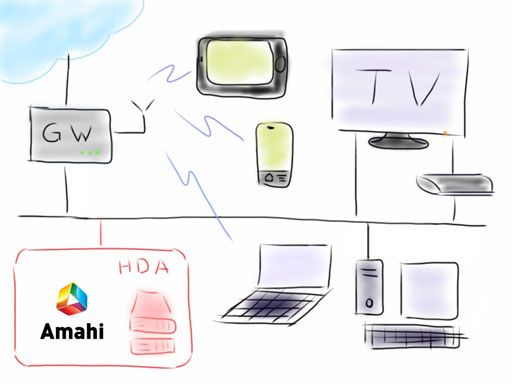
Hardware: PC or VM
Some people like to install Amahi on the latest/fastest hardware with a lot of storage, others prefer a power-efficient and quiet PC or VM.
Amahi supports the following architectures:
- PCs with a 64-bit x86-64 processor
PCs with a 32-bit x86 processor. Not any more.ARM architecture. Not any more.
Alternatives to Amahi
If Amahi is not work you, some alternatives include FreeNAS, openfiler, Windows Home Server, ClearOS, Zentyal, OpenMediaVault. Don't forget that you can also suggest new features directly to the team!